


Gist
Llama.cpp makes it possible to run Large Language Models locally using CPU, with GPU acceleration available when supported. The experiment explores whether a relatively small, quantized LLM can be practical without expensive hardware or recurring API costs.

Running AI models locally without a GPU: My experience with Llama.cpp
Large Language Models have become much easier to access than they were a few years ago. Most of the time, when we want to try an LLM, we simply use an API, send a prompt and wait for the response.
But I had a different question.
What if I want to run an LLM completely on my local machine?
Do I really need a GPU?
Do I need to pay for an API every time I want to experiment?
And more importantly, how practical is it to run an LLM locally on a normal CPU?
That is what made me explore Llama.cpp.
Llama.cpp is a library that allows us to run Large Language Models locally using CPU, with GPU acceleration available if the system supports it. For someone who wants to experiment with LLMs without immediately investing in expensive hardware or API usage, I found this approach quite interesting.
You don't need deep knowledge of machine learning to get started. A basic understanding of Python and some curiosity is enough.

Getting started with Llama.cpp
For this experiment, I used Python 3.10.12.
The Python bindings for Llama.cpp can be installed using:
pip install -q llama-cpp-python==0.1.78
I used this specific version because different versions can have differences in model compatibility.
Since the objective here was to run the model locally using CPU, the next question was about the model itself.
You can't simply download any LLM and expect it to run efficiently on a CPU.
This is where formats such as GGML and GGUF become important.
Choosing the right model
Models available in formats such as GGML are designed to make running LLMs on local hardware more practical.
One of the techniques used here is quantization.
Instead of storing the model weights at their original precision, quantization reduces the number of bits used to represent them. This reduces memory requirements and can make inference faster.
There is a trade-off, though.
A smaller, more heavily quantized model generally needs less memory and can respond faster, but you may lose some accuracy, particularly when the task becomes more complicated.
The same applies to the number of parameters.
You will find models with 7 billion, 13 billion, 30 billion and even 70 billion parameters.
If your machine has limited RAM, choosing a larger model can quickly become a problem.
For example, if you have around 6 GB of RAM, a smaller 2-bit or 4-bit quantized model is a more practical place to start.
For general conversation and experimentation, I found that a 7-billion-parameter model with 2–4 bit quantization is a reasonable starting point.
For this experiment, I used a 7-billion-parameter model with 2-bit quantization.
The idea was not to find the most powerful model.
It was to see how much we could actually do with a relatively small model running locally.
Let's run it
Once the Python package and model were ready, the code was surprisingly simple.
from llama_cpp import Llama
model = Llama(
model_path="path_to_your_models/llama-2-7b-chat.ggmlv3.q2_K.bin"
)
output = model.generate(
"What do you think of the impact of LLM models in various industries?"
)
print(output["choices"][0]["text"])
And we got a response.
It wasn't necessarily the same experience you would get from the largest cloud-based models, but that wasn't the point of the experiment.
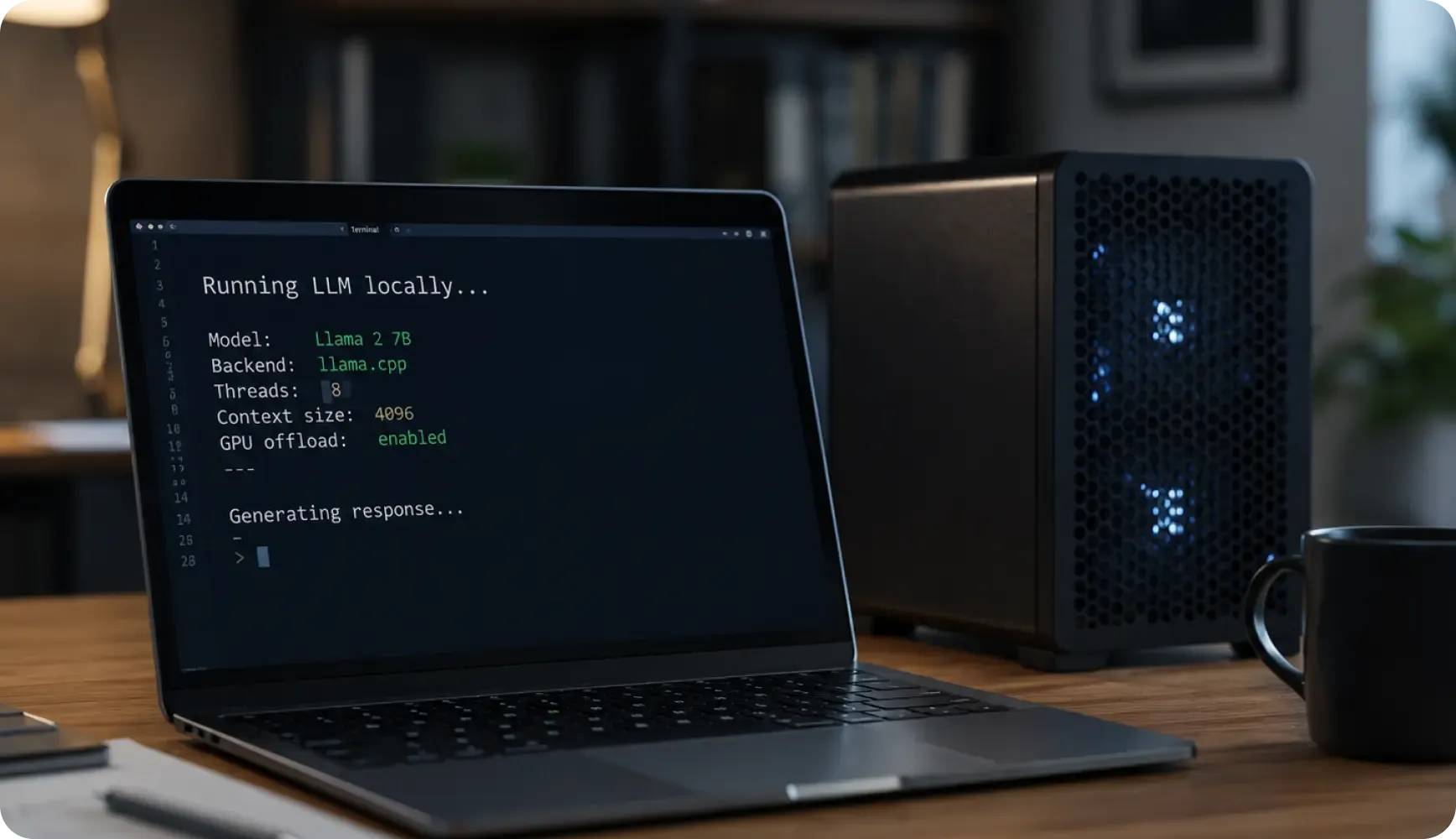
The interesting part was that the model was running locally.
No API call.
No API cost.
No dependency on a cloud service for generating the response.
That alone makes local LLMs worth exploring.
Then I wanted to try something more useful
Generating a simple answer is one thing.
I wanted to see whether the same small model could handle something closer to a real application.
So I gave it a piece of OCR text from a document and asked it to extract specific information
The requirement was simple.
Take the text and identify fields such as:
- Member Name
- Member ID
- RxBIN
- RxGRP
- RxPCN
- Issuer
- Plan Benefit
The input was messy OCR text rather than a neatly structured document.
I used a prompt asking the model to extract the information and return it in dictionary format.
The response looked like this:
{
"Member Name": "Bruce Wayne",
"Member ID": "ZCT012345678901",
"RxBIN": "004336 PLAN PPO",
"RxGRP": "RX4236",
"RxPCN": "MEDDADV",
"Issuer": "80340",
"Part D/Plan Benefit": "CMS-H4209-XXX"
}
This was the part I found more interesting.
The model was able to take unstructured text, understand what information I was looking for and return it in a structured format.
And it was doing this locally on a relatively small model.
What I took away from the experiment
I wouldn't say that running a 7-billion-parameter model locally is going to replace larger cloud-based models.
That's not what I was trying to prove.
What I wanted to understand was whether local LLMs were practical enough for developers to experiment with and build useful applications without immediately depending on a GPU or a paid API.
For several use cases, the answer is yes.
The biggest consideration is the trade-off between model size, memory, speed and accuracy.
A smaller quantized model can be surprisingly capable for general conversations and structured extraction. But as the complexity of the task increases, you may need a larger model, which also means more memory and potentially slower inference on a CPU.
So the right model depends on what you are trying to accomplish.

My take
What I liked about Llama.cpp is that it makes experimenting with LLMs feel much more accessible.
You don't necessarily need a high-end GPU sitting on your desk.
You don't have to make an API call every time you want to test a prompt.
You can download a suitable model, run it locally and start experimenting.
For developers who are curious about how LLMs work in real applications, I think that is a great way to start.
The interesting part for me wasn't that a local model could answer a question.
It was seeing a relatively small model take messy OCR text and turn it into structured information without sending that data to an external API.
That opens up some interesting possibilities for applications where cost, privacy, offline processing or control over the environment matter.
There are, of course, many other tools and approaches available for running LLMs locally. Llama.cpp is just one of them.
But it is a good place to start experimenting.
And sometimes, the best way to understand a technology is not to read another article about it.
Just download it, run it locally and see what it can actually do.

